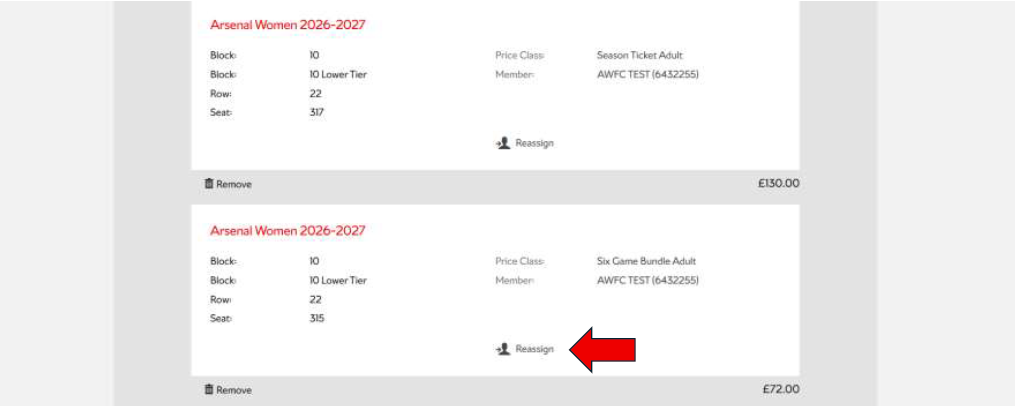
Step 1: Visit the Arsenal Ticketing Website
Go to: www.eticketing.co.uk/arsenal
Once the website loads, click the Log In button located in the top-right corner of the screen.

Step 2: Log In to Your Account
Enter your:
- Email address
- Password
If you are having any issues logging in then you can reset your password here.
Step 3: Select “Arsenal Women”
Click on Tickets & Ballot and then Arsenal Women in the top navigation bar.

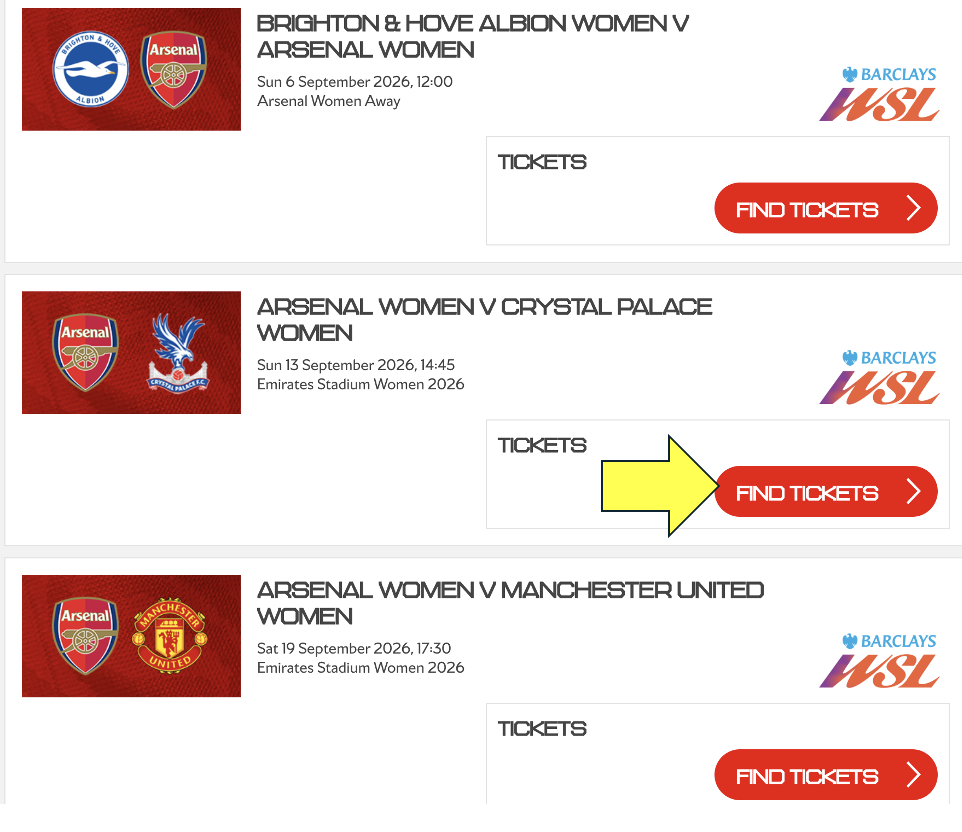
Step 3.1: Select the game
Click on Find Tickets
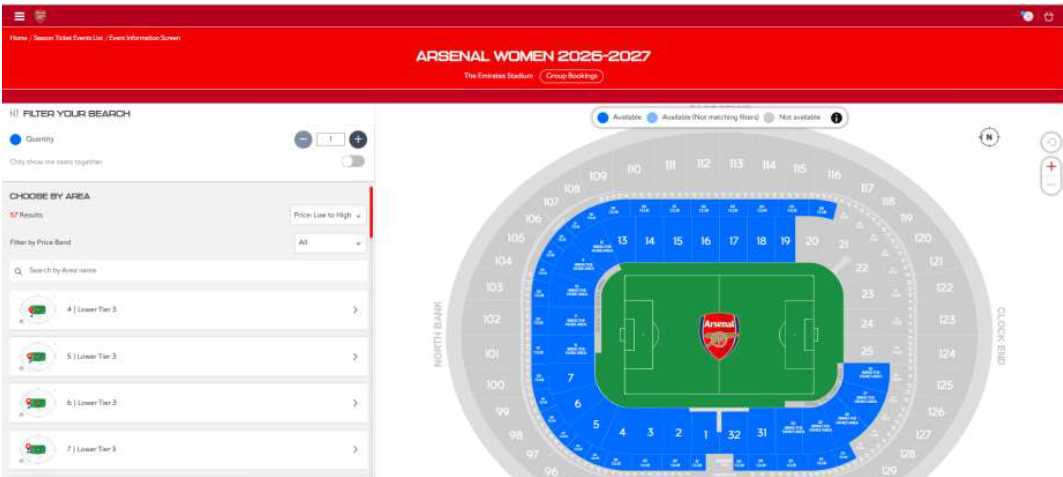
Step 4: Choose your seats
Select your seat(s) on the map from the available blocks.
For every ticket you are purchasing, select your Price Class as either a Season Ticket or Six Game Bundle. Select your Price Class from the list: Senior (66+), Adult, Young Adult (18-24) or Junior (U18) Once confirmed, click Add to Basket.
Step 5: Assign your seats in basket