Step 1: Visit the Arsenal Ticketing Website
Go to www.eticketing.co.uk/arsenal.
Once the website loads, click the Log In button located in the top-right corner of the screen.

Step 2: Log In to Your Account
Enter your:
- Email address
- Password
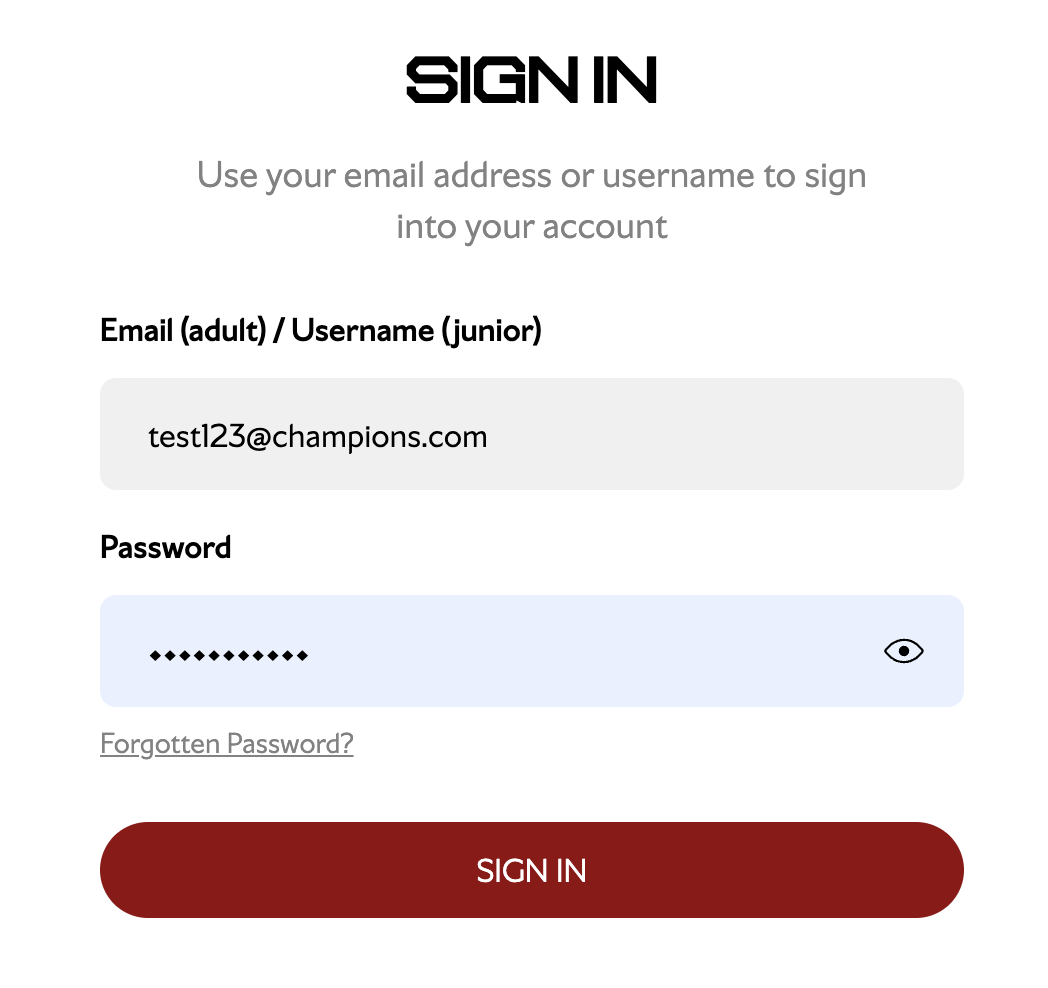
If you are having any issues logging in, you can reset your password using the password reset option here.
Step 3: Select "Tickets & Ballot & Ballot Registrations"
Go to Tickets & Ballot and select Ballot Registrations.

Step 4: Choose Your Ballot
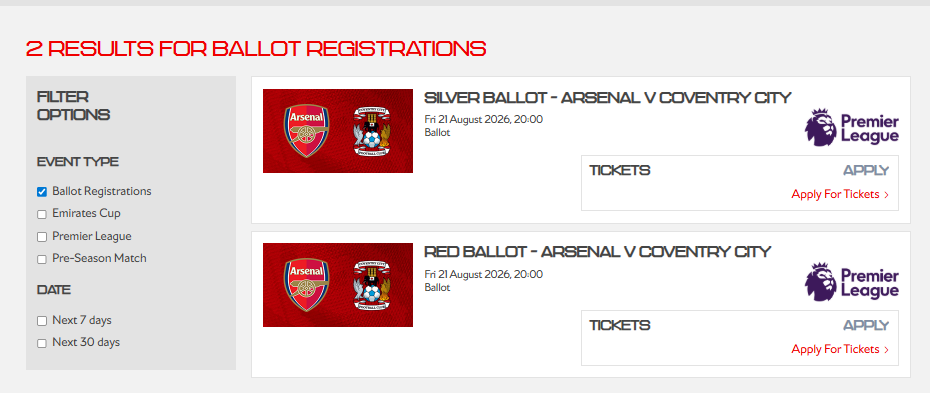
Find the relevant ballot for your membership and click Apply for Tickets.
If you are not eligible, an error message will appear.

If you receive an error message when attempting to enter a ballot, it usually means that either:
- You are not logged in to your account.
- You have selected a ballot that is not available to your membership type.
Step 5: Select How Many Tickets You Are Applying For
Select the number of tickets you would like to apply for (maximum of 4 tickets).
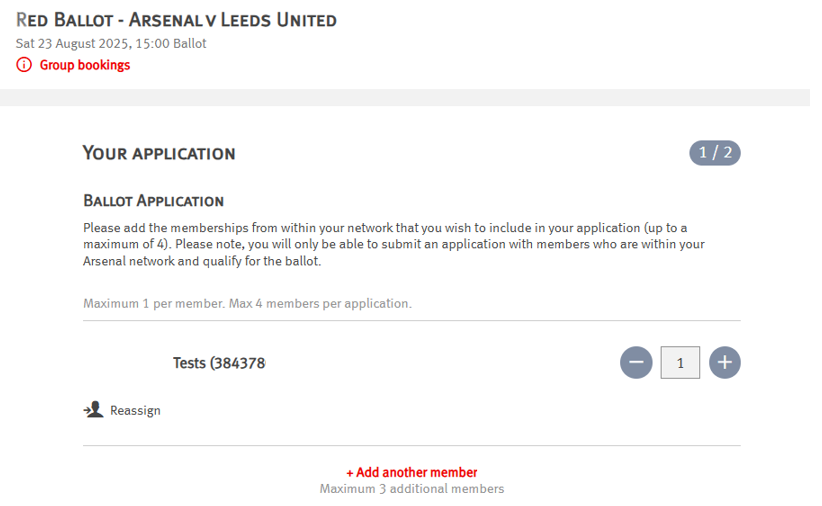
Assign the tickets to eligible members in your network.
Step 6: Add Members to Your Application
Click Add another member to include additional members in your application.
Members shown in grey are not eligible for that ballot.
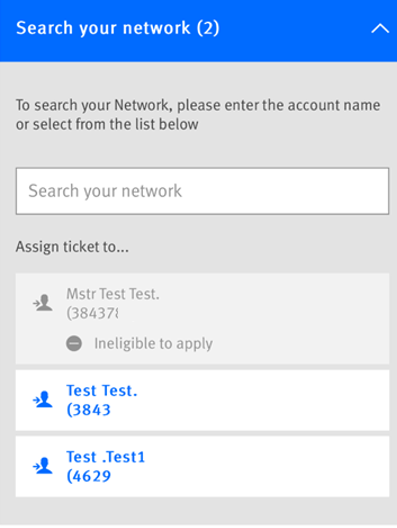
Ineligible to apply
A common issue is that the membership you are trying to add to your application has either not been renewed or has been purchased as a new membership rather than a renewal. To resolve this, please add the new membership number to your network, which should allow you to proceed.
Members who were Junior Gunners last season and are now aged 17 before the 31st August 2026 will have now transitioned to Cannon Red membership and will therefore need to enter the Red ballot.
Please note that a Junior Gunners 0-3 membership does not include ticketing rights, so it cannot be added to a ballot application.
Step 7: Choose Your Preferred Seating Area
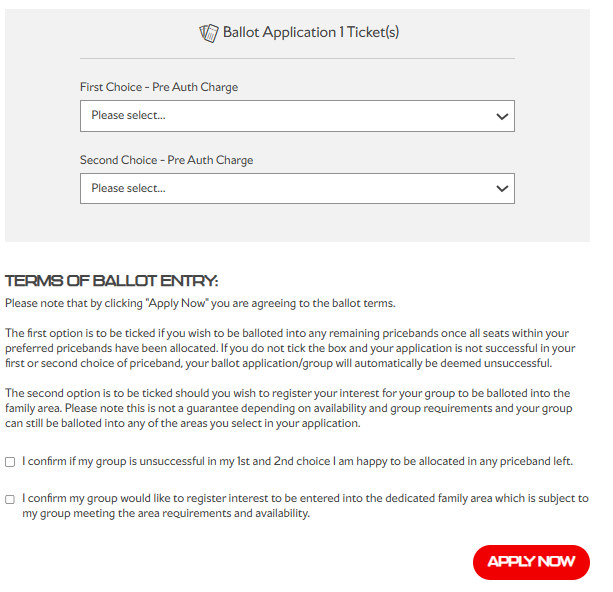
Select up to two preferred price bands.
You can also:
- Opt into any remaining areas if unsuccessful.
- Register interest for the family area.
Step 8: Enter Payment Card Details
Enter your payment card information.
You will only be charged if your ballot application is successful.
Step 8.1: Review and Submit Application
Review your application summary carefully.
Once satisfied, submit your application.
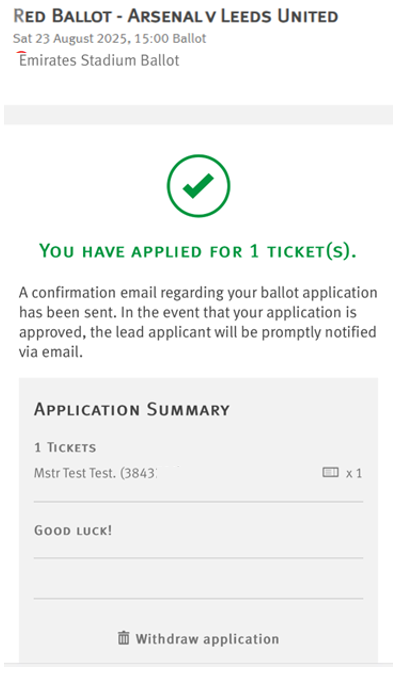
You will receive a confirmation on the page containing your registration details.