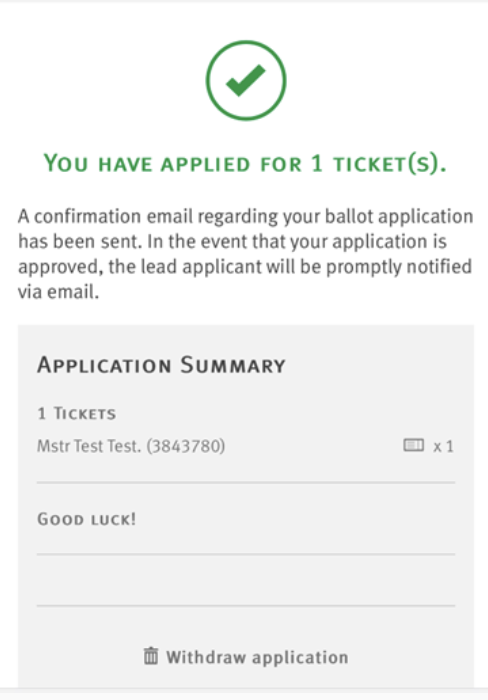
Step 1: Visit the Arsenal Ticketing Website
Go to www.eticketing.co.uk/arsenal.
Once the website loads, click the Log In button located in the top-right corner of the screen.

Step 2: Log In to Your Account
Enter your:
- Email address
- Password
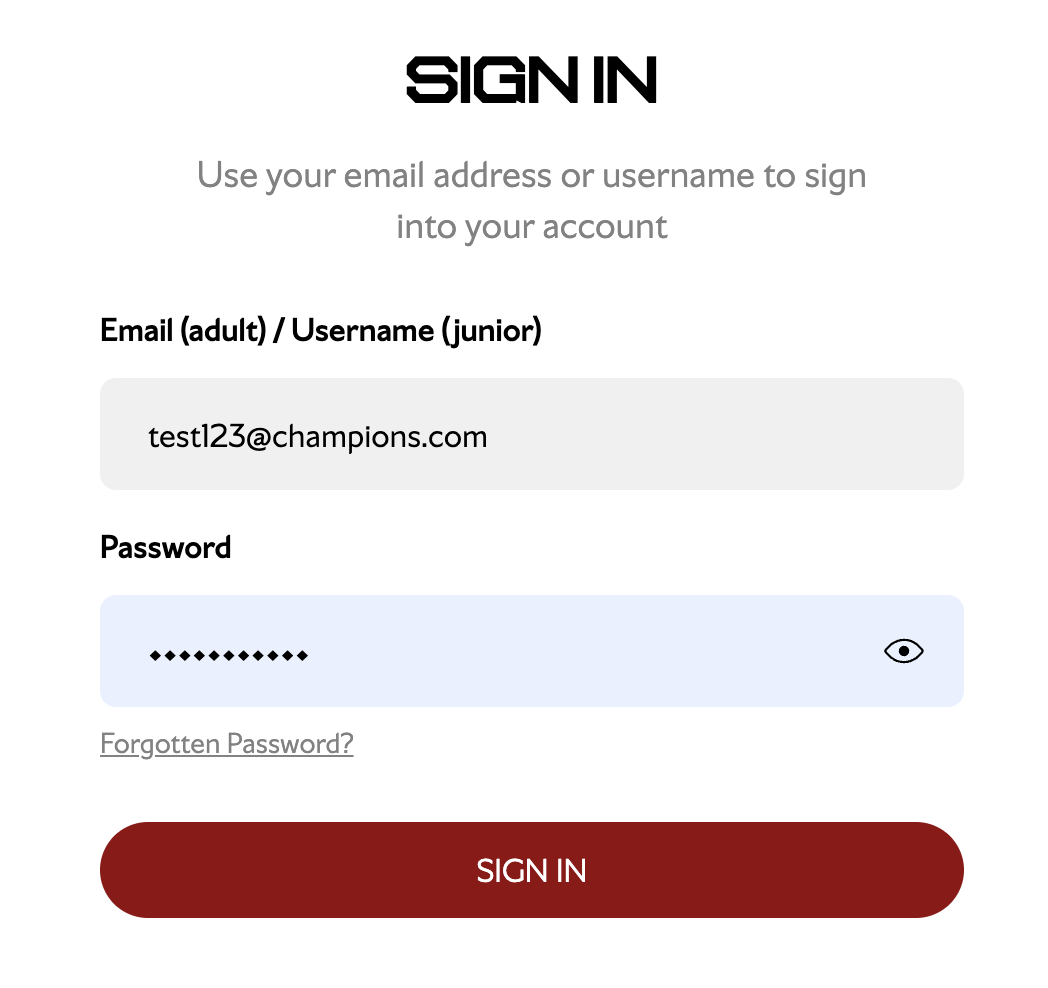
If you are having any issues logging in, you can reset your password using the password reset option here.
Step 3: Select "Tickets & Ballot & Ballot Registrations"
Go to Tickets & Ballot and select Ballot Registrations.

Step 4: Choose Your Ballot
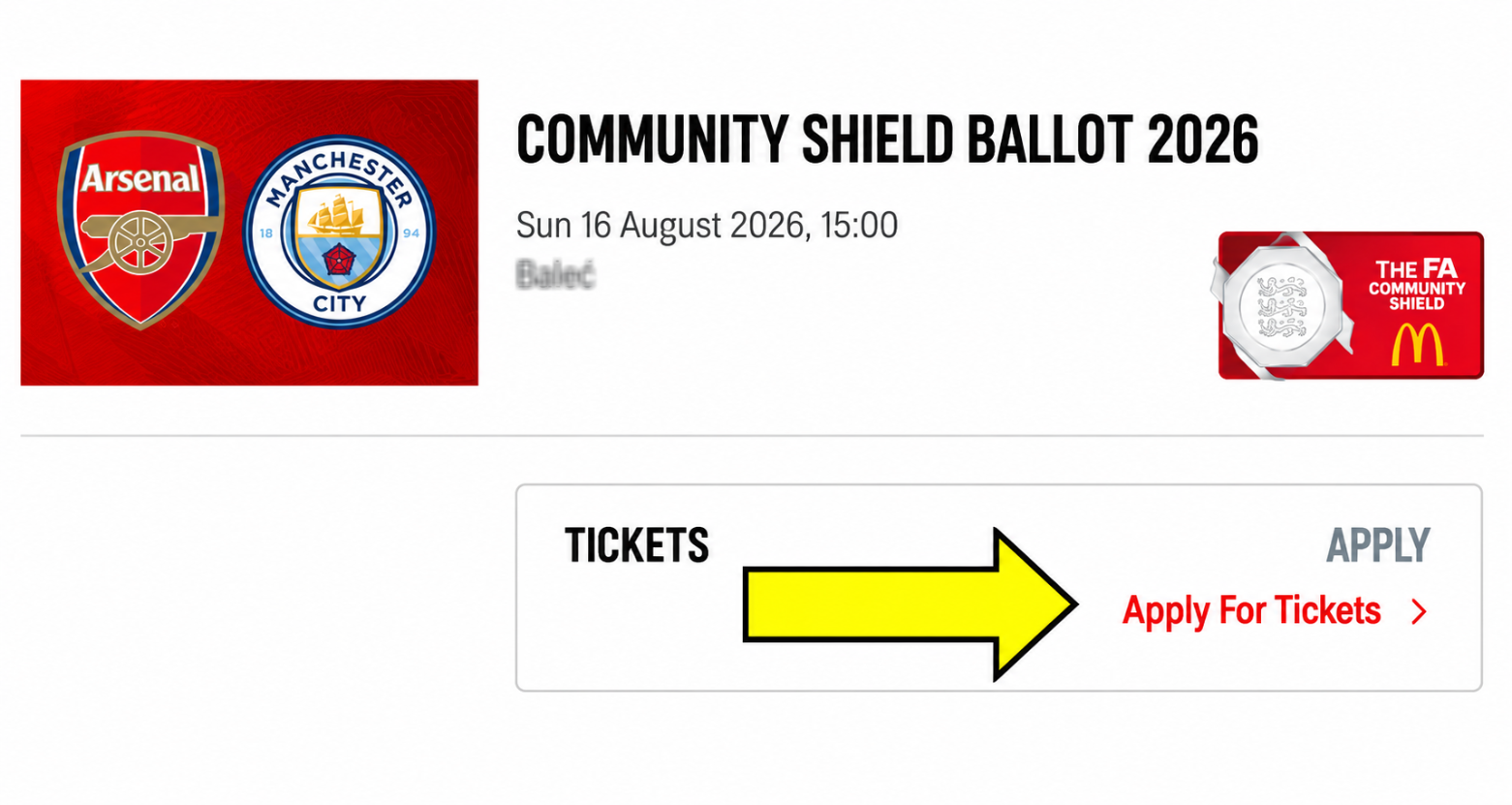
Find the relevant ballot for your membership and click Apply for Tickets.
If you are not eligible, an error message will appear.

If you receive an error message when attempting to enter a ballot, it usually means that either:
- You are not logged in to your account.
- You have selected a ballot that is not available to your membership type.
Step 5: Select How Many Tickets You Are Applying For
Select the number of tickets you would like to apply for (maximum of 6 tickets).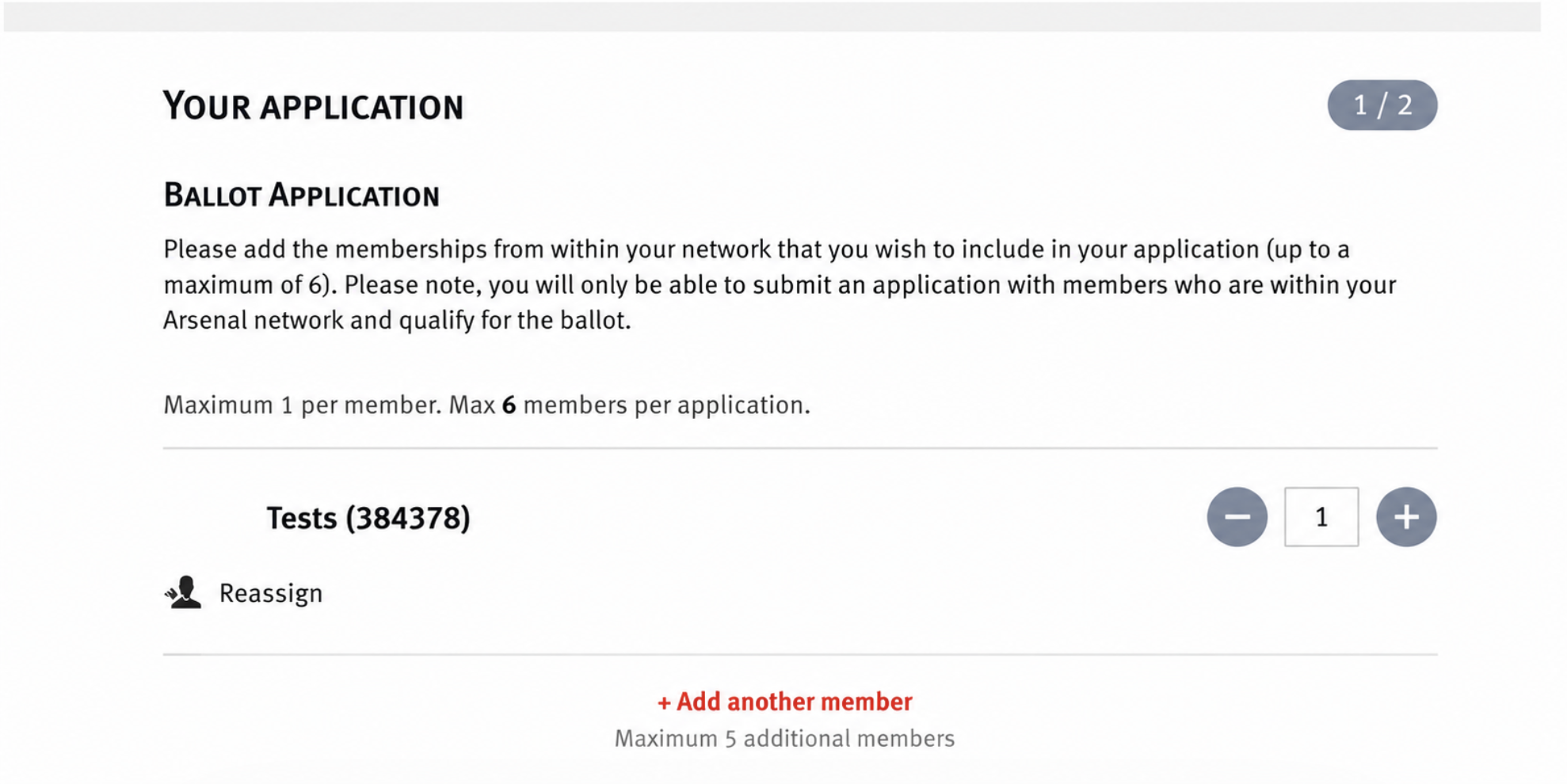
Assign the tickets to eligible members in your network.
Step 6: Add Members to Your Application
Click Add another member to include additional members in your application.
Members shown in grey are not eligible for that ballot.
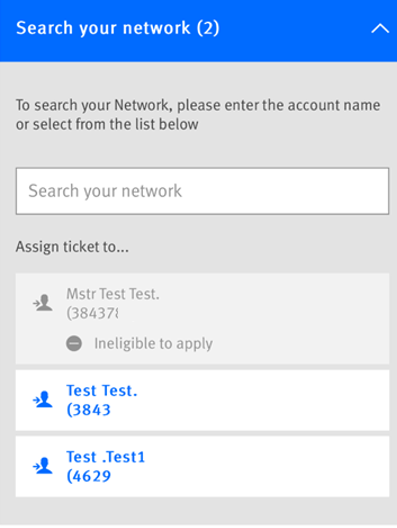
Ineligible to apply
A common issue is that the membership you are trying to add to your application is not eligible to register for the ballot, or you are trying to add a member whose sales window has not yet opened.
E.g You are currently in Window 2 and are trying to add a Silver member to your application who is only eligible to register during Window 3.
Step 7: Review and Submit Application
Review your application summary carefully.
Once satisfied, submit your application.
You will receive a confirmation on the page containing your registration details.