
I have multiple Season Tickets on my account and would like to enter the ballot separately rather than as a group.
When you log in, your primary Season Ticket will automatically be selected. To submit separate ballot applications, please apply online using your primary account, then contact us here with the additional membership number(s).
We will register the remaining Season Ticket(s) separately on your behalf.
If Members register as a group, will each ballot entry either be successful or unsuccessful, or can a ballot entry be partially successful?
Members who register for the ballot as a group will be balloted together and the whole group will either be successful or unsuccessful. There will be no partial success whereby one Member of the group is successful while another is unsuccessful or vice versa.
If Members register with a group does this decrease their chances of success?
This depends on how many ballot applications there are in total and the grouping of tickets remaining as the ballot is run. For example, if there are 20 seats left and they are all pairs, any groups registered as threes and fours would not be drawn out, only pairs and singles. The process would continue until all seats are filled.
Can I modify or cancel a ballot entry once it has been submitted?
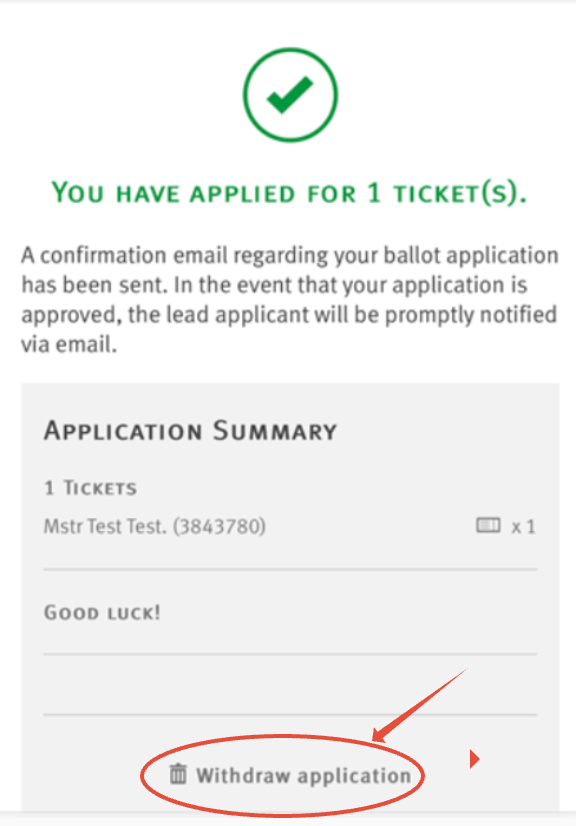
If you need to modify or cancel a ballot entry, e.g, remove or add a supporter then you will need to withdraw the application and redo, and this can only be done whilst the ballot registration window is open.
Please see below how to withdrawn your application online.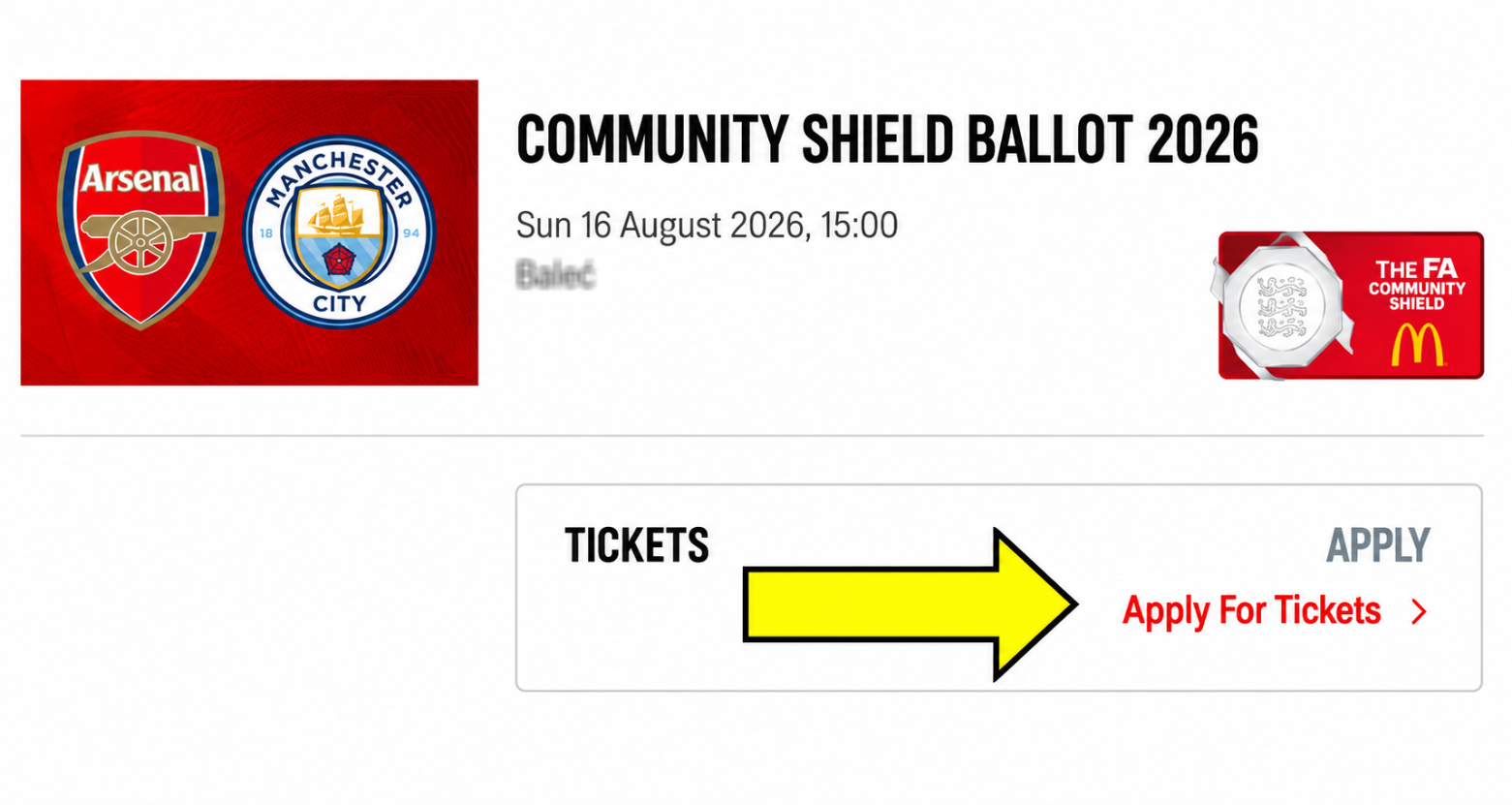
I applied for the ballot and I didn't receive a confirmation email
A confirmation email will be sent to the lead members email address only from noreply@boxoffice.arsenal.co.uk.
We recommend that you add noreply@boxoffice.arsenal.co.uk to your safe senders list through your email account settings.
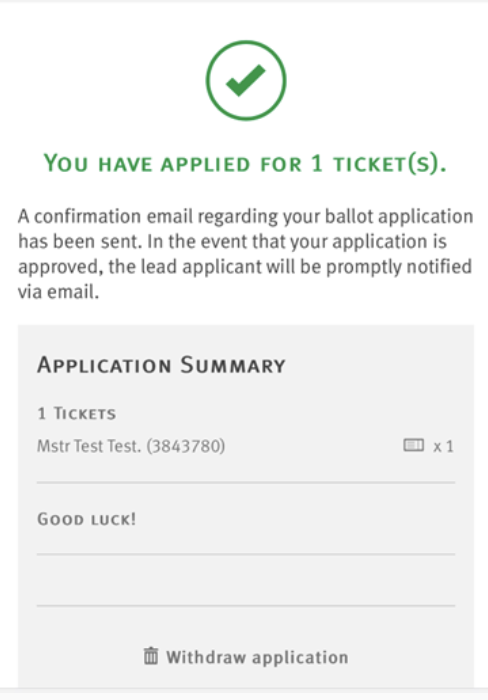
You can also click on the game and click apply for tickets and you will then receive the below confirmation.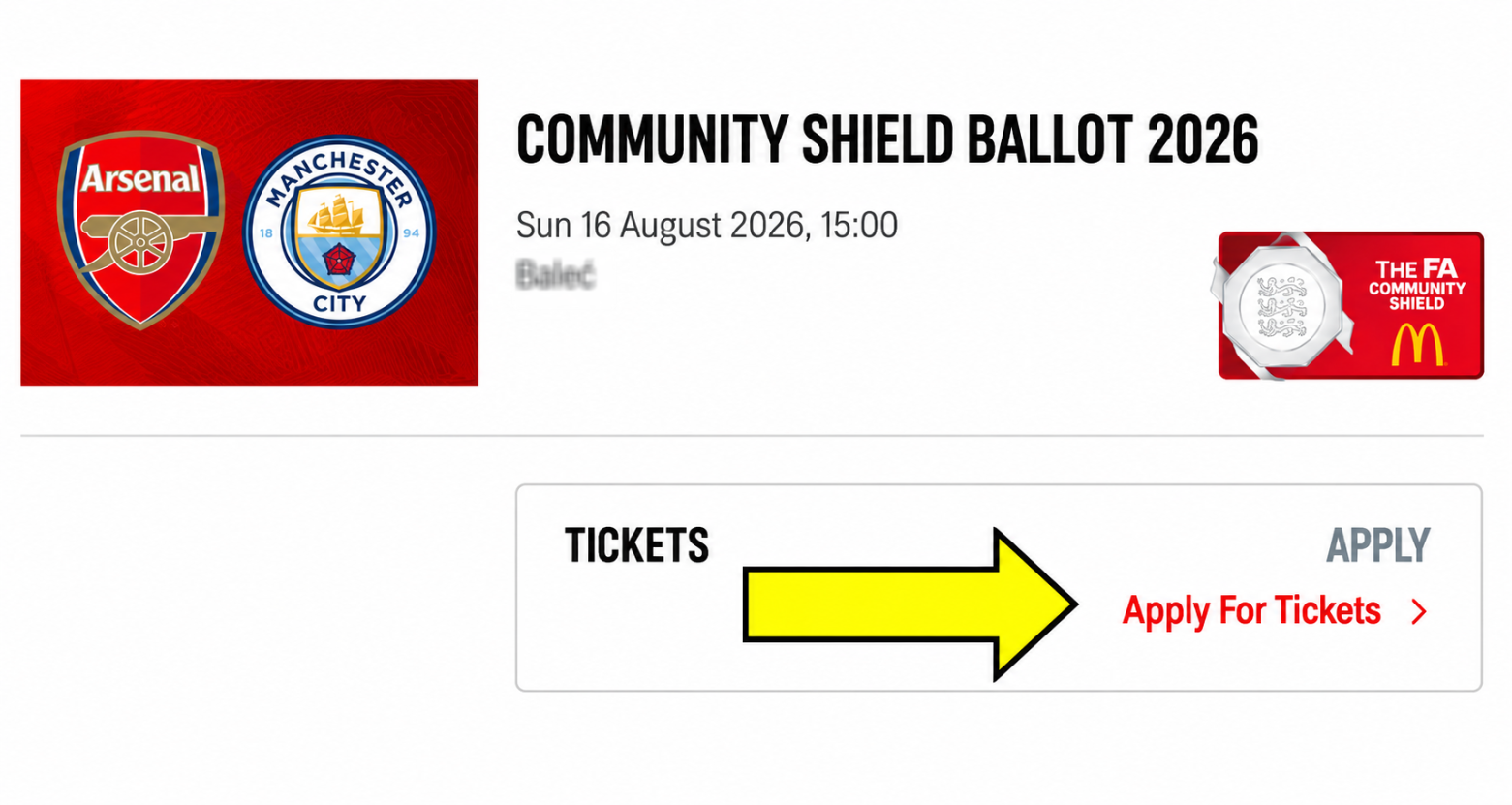
Error Message
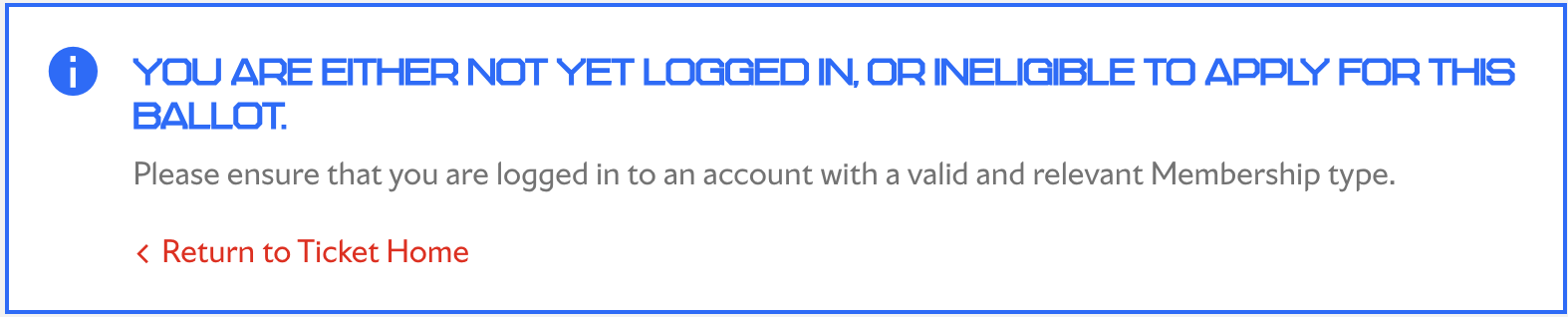
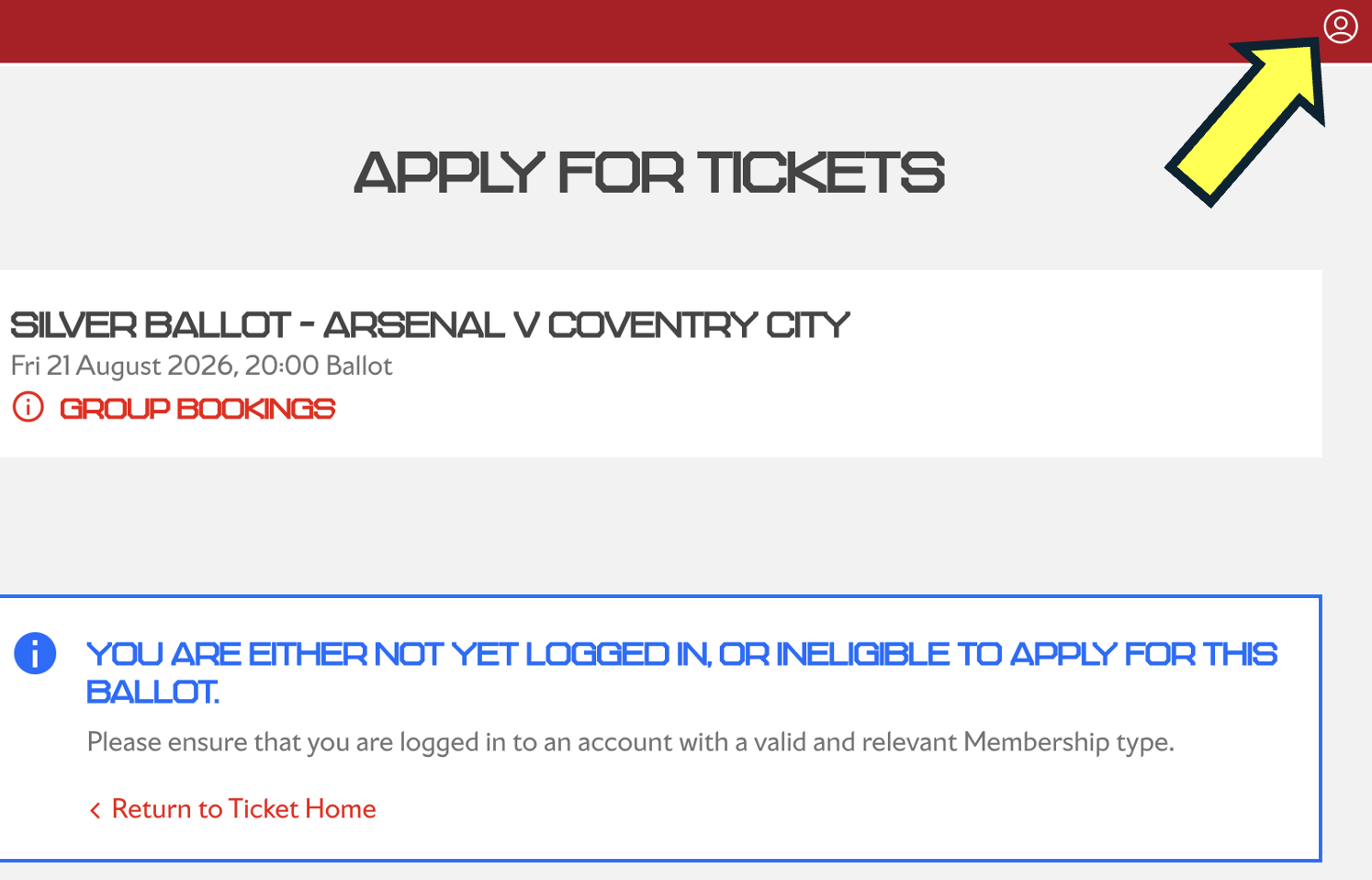
If you are receiving the below message, this usually means you are either not logged in or you are attempted to access the ballot with a membership that is not eligible to purchase tickets for this game.

Member is greyed out
A common issue is that the membership you are trying to add to your application is not eligible to register for the ballot, or you are trying to add a member whose sales window has not yet opened.
E.g You are currently in Window 2 and are trying to add a Silver member to your application who is only eligible to register during Window 3.