Supporters who were successful in the ballot will be able to purchase their tickets online during the following purchase window:
Window opens: Monday 27 July, 1:00pm
Window closes: Tuesday 28 July, 1:00pm
Please follow the steps below for guidance on how to purchase your ticket online.
Step 1: Visit the Arsenal Ticketing Website
Go to: www.eticketing.co.uk/arsenal
Once the website loads, click the Log In button located in the top-right corner of the screen.

Step 2: Log In to Your Account
Enter your:
- Email address
- Password
If you are having any issues logging in then you can reset your password here.
Step 3:
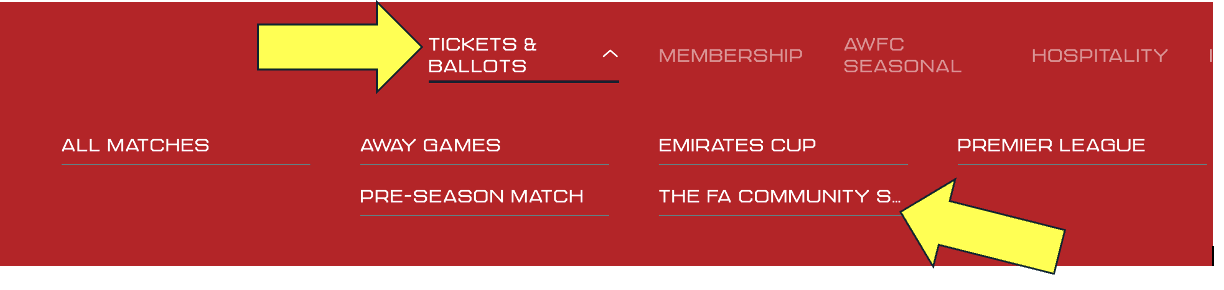
Click on Tickets & Ballots , then FA Community Shield.
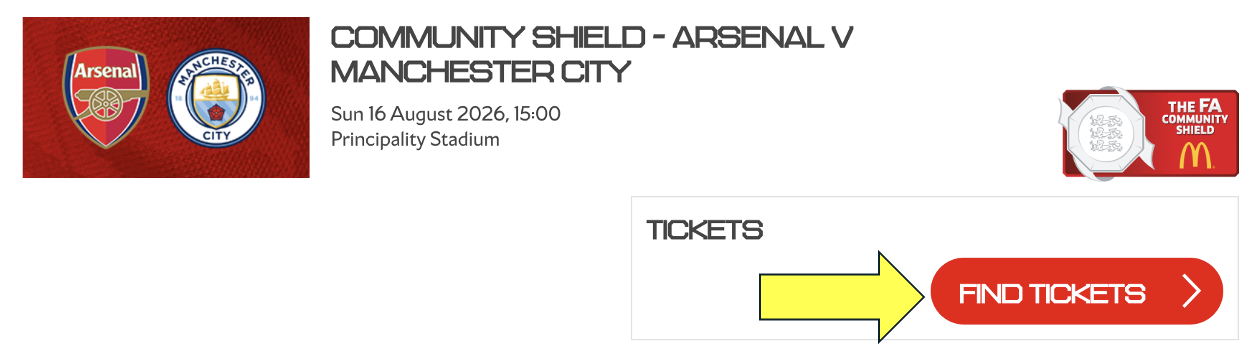
Click Find Tickets.
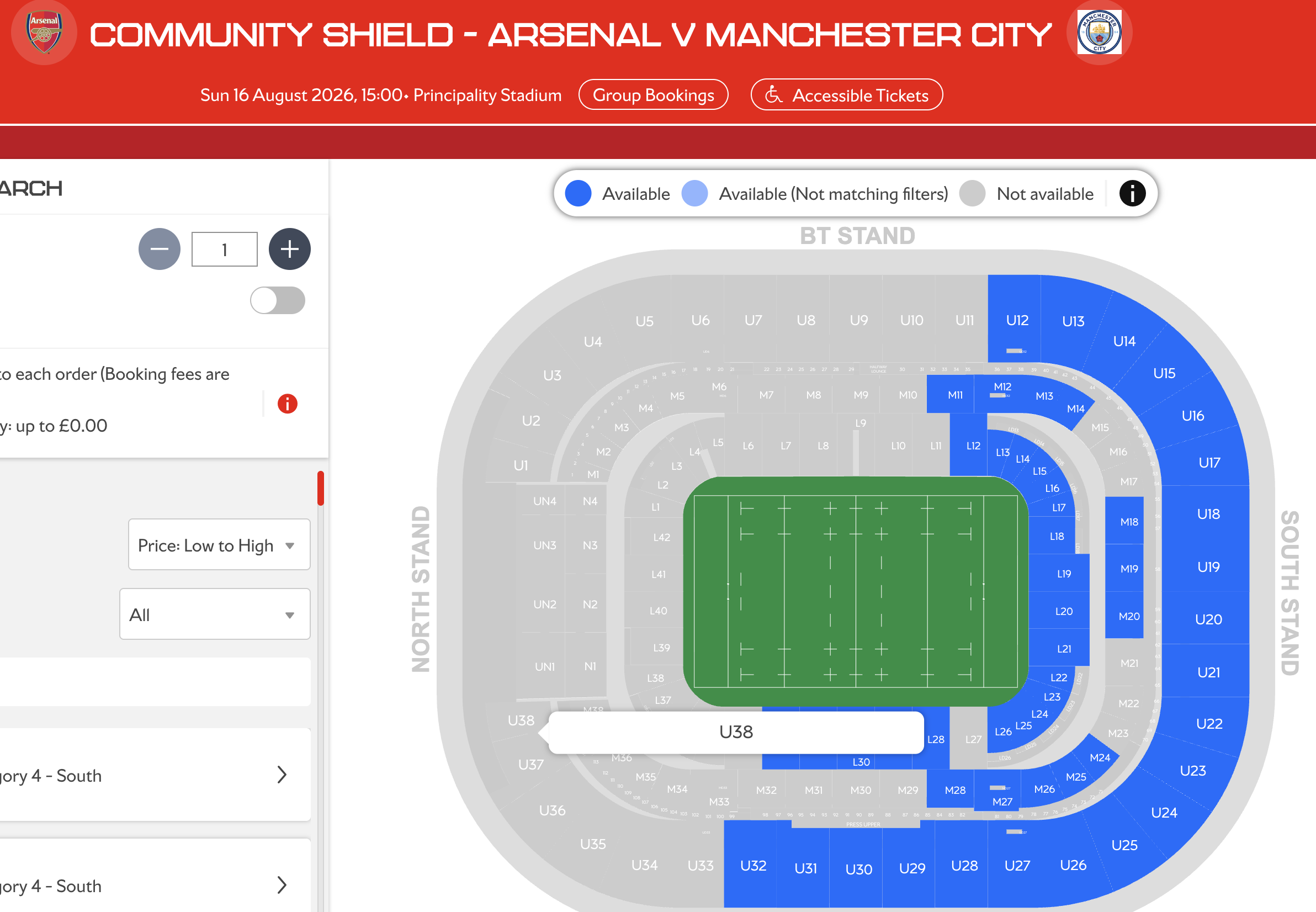
This will automatically take you to the Stadium Map for you to choose your seats
Step 4: Choose your seats
Select your seat(s) on the map from the available blocks.
For every ticket you are purchasing, select your Price Class from the list: Senior (66+), Adult, Junior (U16).
Once confirmed, click Add to Basket.
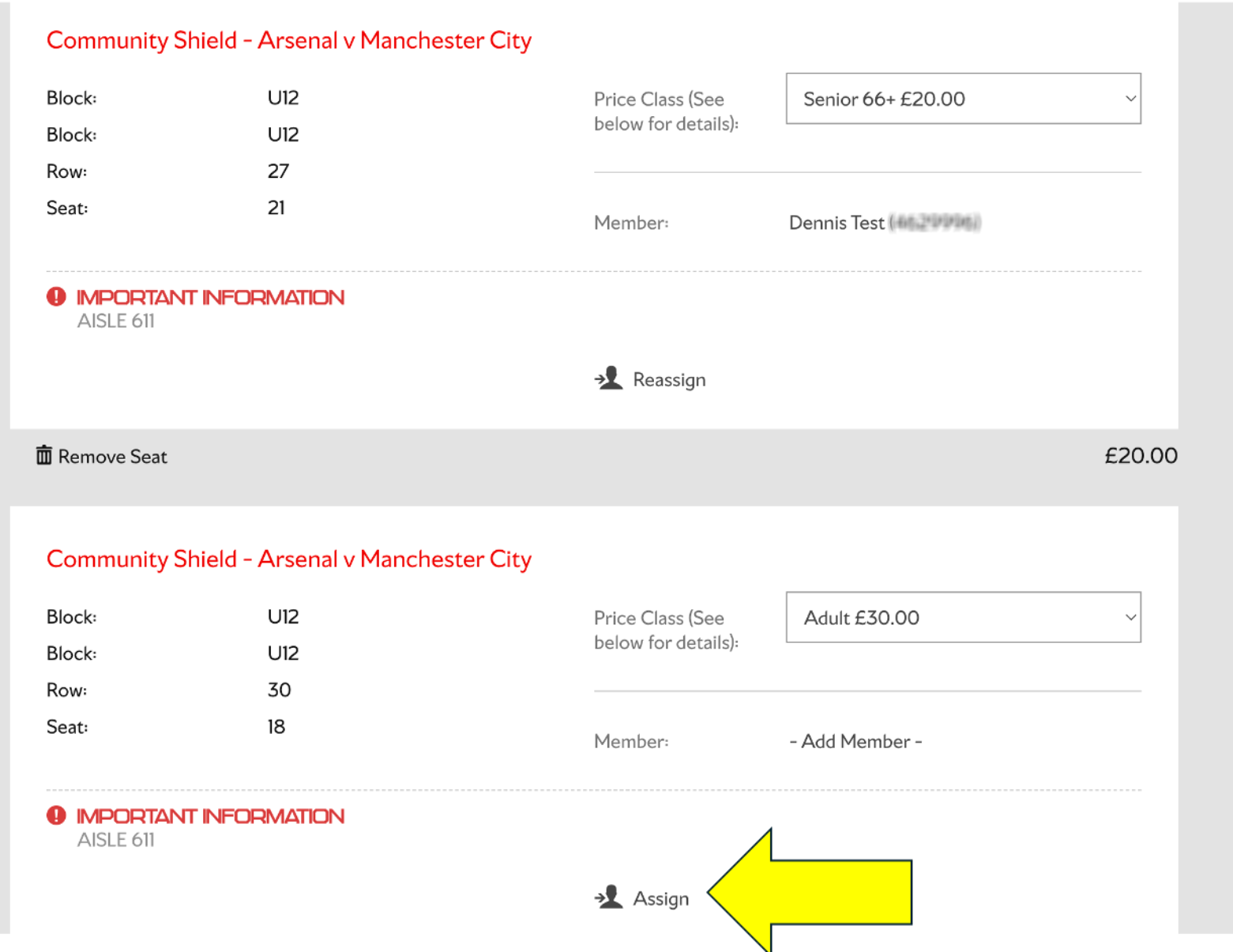
Step 5: Assign your seats in basket
If you have selected more than one ticket you will need to assign each ticket to a member in your network who qualifies to purchase.
Click ‘Assign’ and select the supporter from your network to assign the ticket to.
Step 6: Choose Your Payment Method
Pay the full balance using:
- Debit card
- Credit card
Step 8.1: Pay with Debit/Credit Card
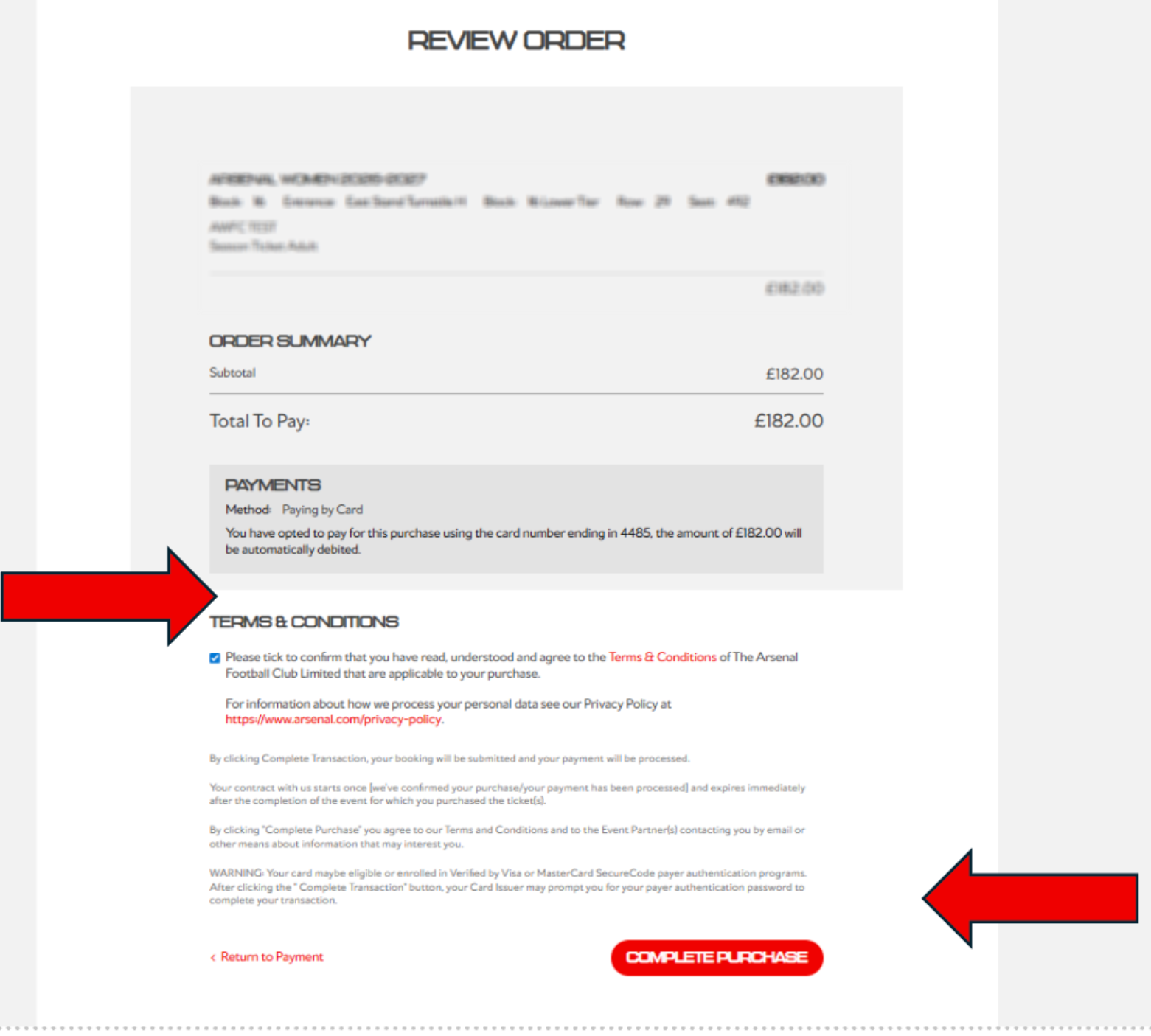
After submitting your payment details, you will be greeted with a final review page.
Carefully check:
- Your ticket information
- Personal details
- Payment information
Once you are satisfied that all information is correct, you must agree to the Terms & Conditions and then click Complete Purchase.